
100WebIPTV
Turn your playlist into your own streaming service.
Connect your M3U or Xtream access and watch live TV, movies and shows in one app. Find your TV guide, sports and media library in one place.

For iPhone, iPad and Apple TV. Try it free for 7 days, then from $0.83 a month. One purchase covers all three devices.
WebIPTV is a player for your own IPTV access. The app does not provide content.

Real recording of the app with a demo catalog. Films: “Wing It!” and “Coffee Run”, (CC) Blender Foundation | studio.blender.org
200WebIPTV Feed
Find somethingto watch now.
The Feed brings together what’s on now, new episodes, your watchlist and live sports. It adjusts to the time of day, so it’s easier to find something to watch.
7:45 PMSunday
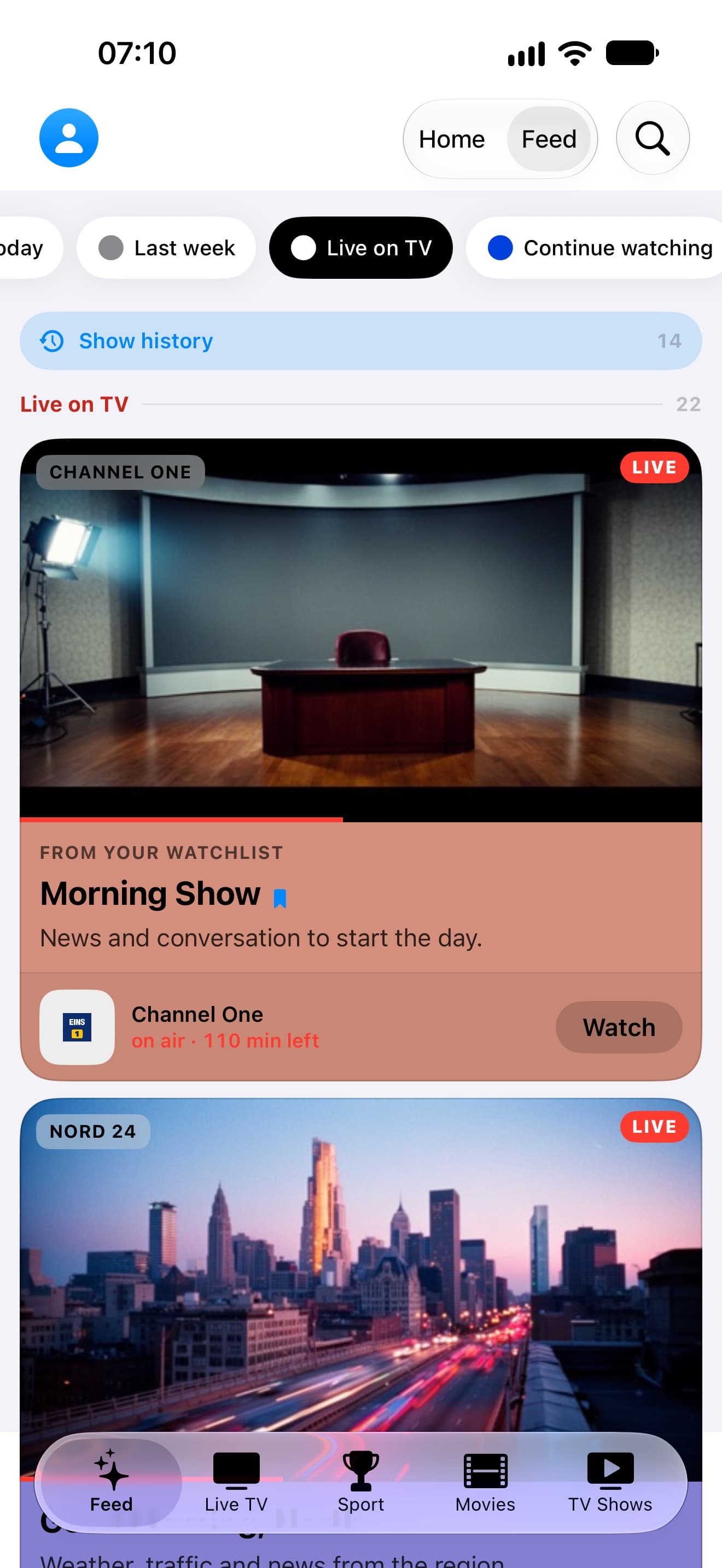
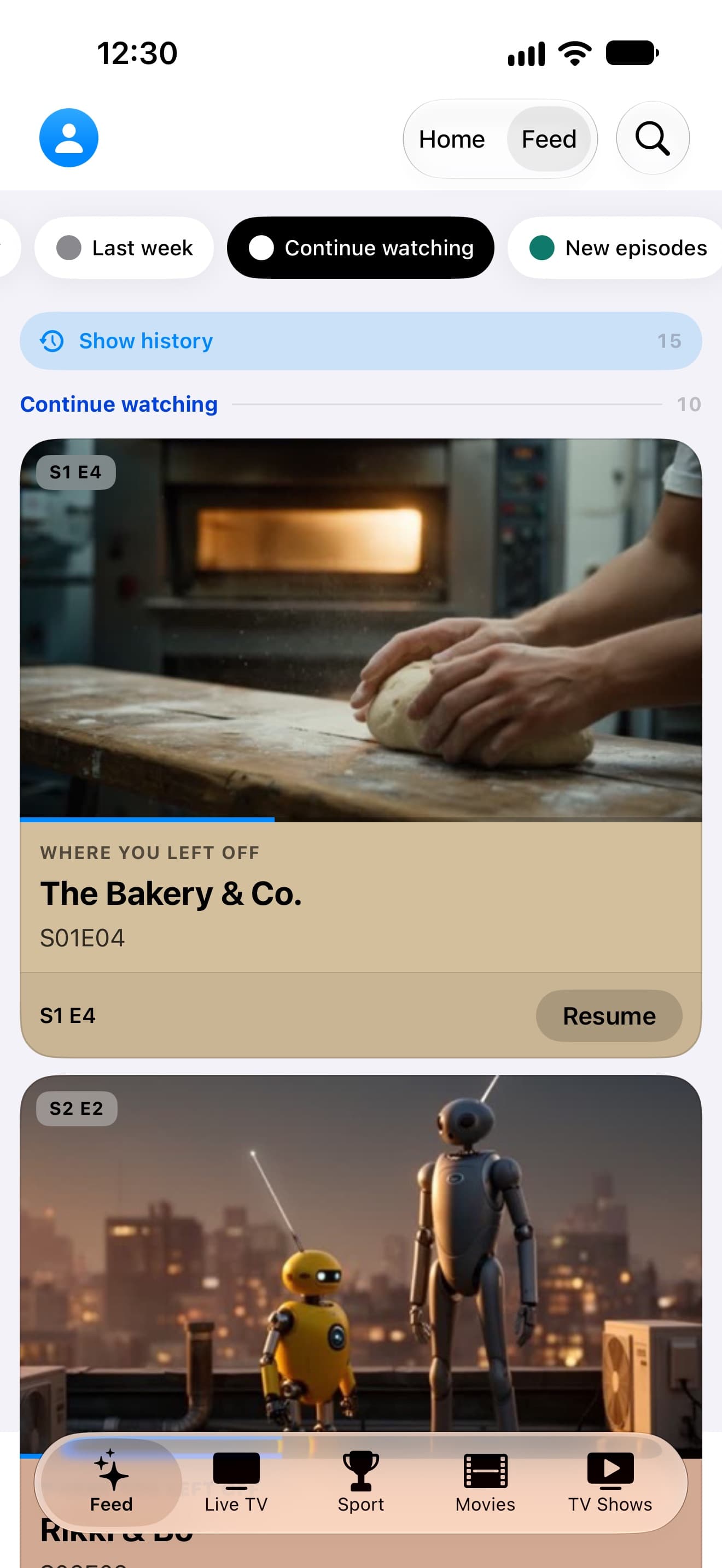
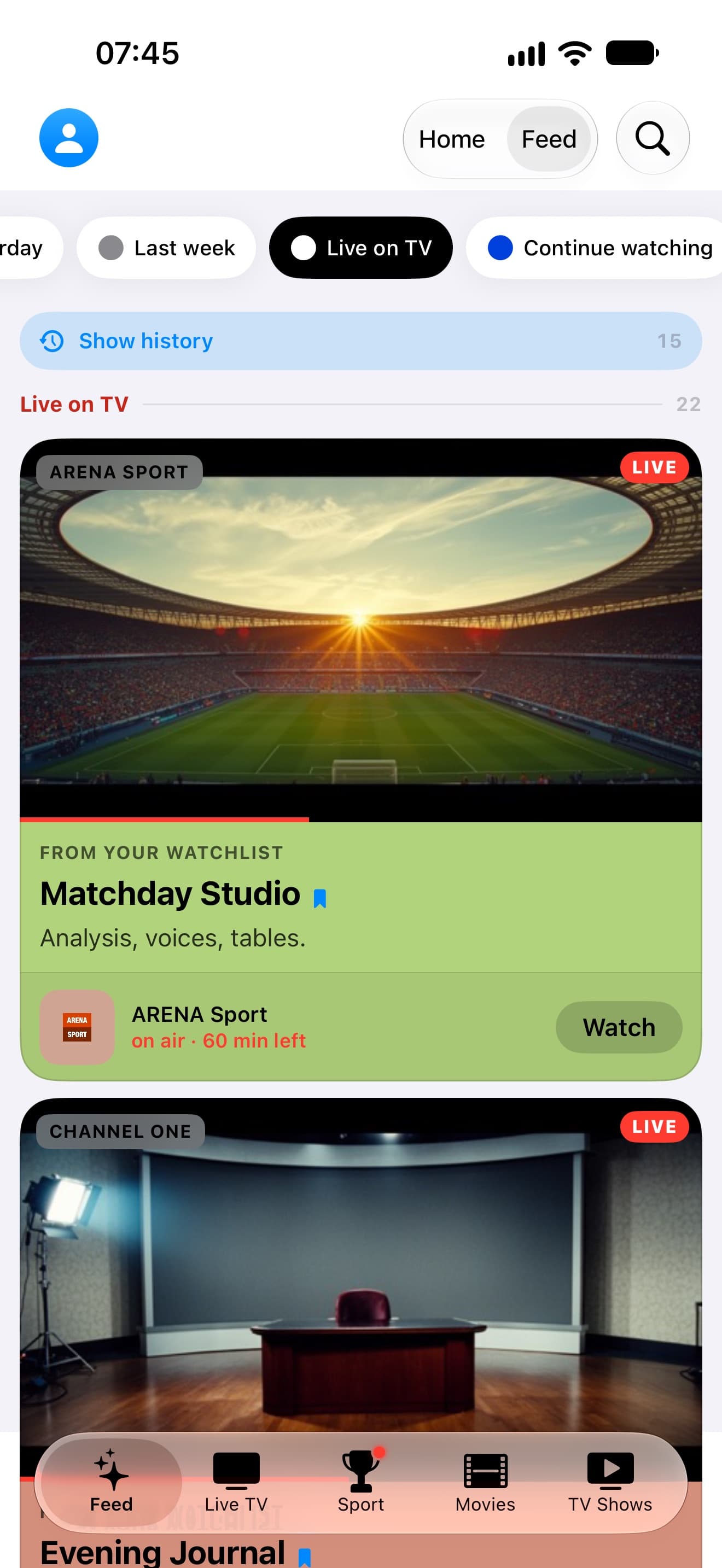
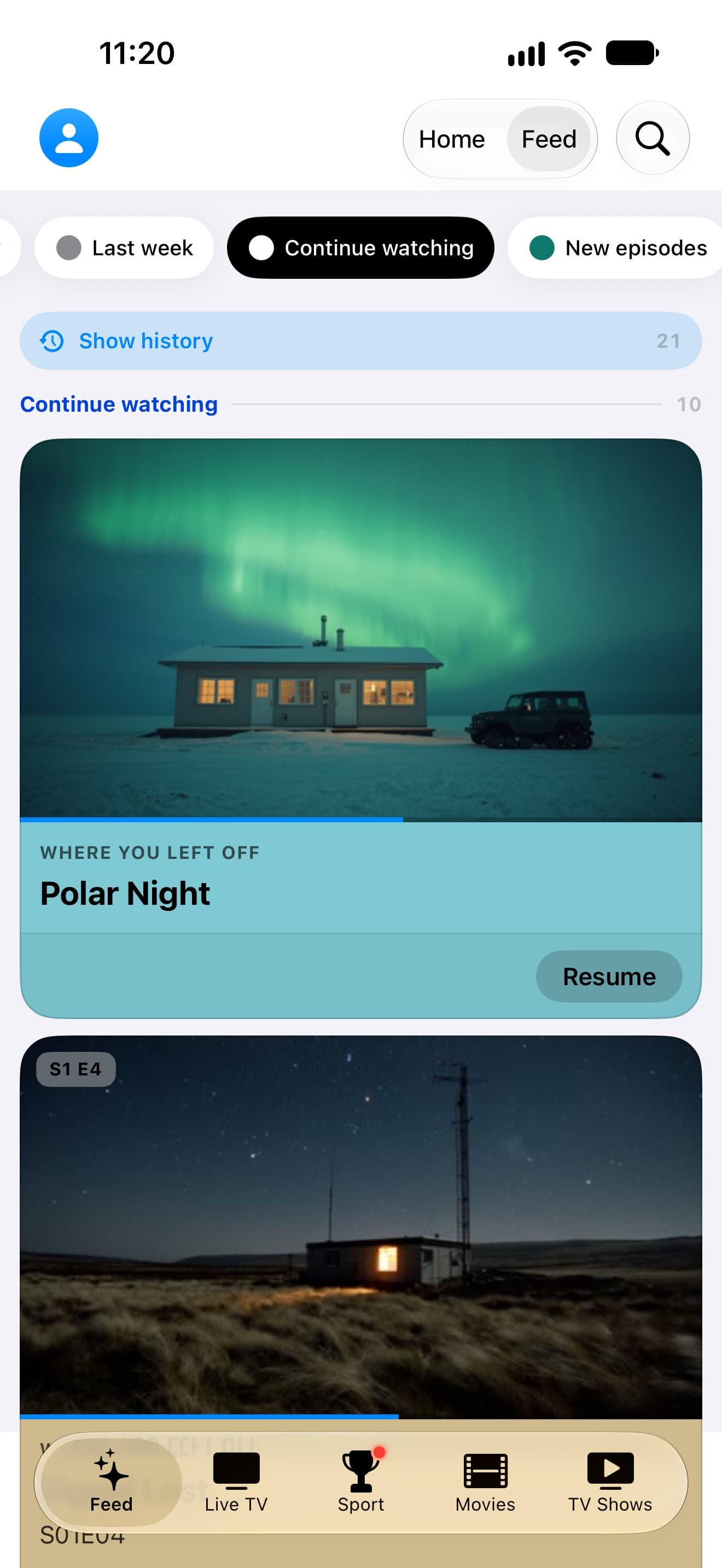
The Feed on iPhone, with what’s on now, continue watching and new episodes. Capture from a demo playlist.
Capture from a demo playlist.
300WebIPTV Sense
Recommendationsthat match your taste.
WebIPTV Sense uses your interests, languages and viewing habits to surface titles from your catalog. Recommendations are processed on your device.
Tap a genre: “Less of this” takes effect right away and the others move up. Always 100% in total.
Your personal taste profile, created on your device. Sample profile from a demo playlist.
400WebIPTV Sport
Find the match.Go straight to the channel.
Follow fixtures, standings and live scores across 59 leagues and 9 sports. WebIPTV shows which of your channels is carrying the match, right in the match view.
- 401Follow your teams and leagues.
- 402See upcoming matches and live scores at a glance.
- 403Open the match on the right channel.
- 404Get a reminder before kickoff.
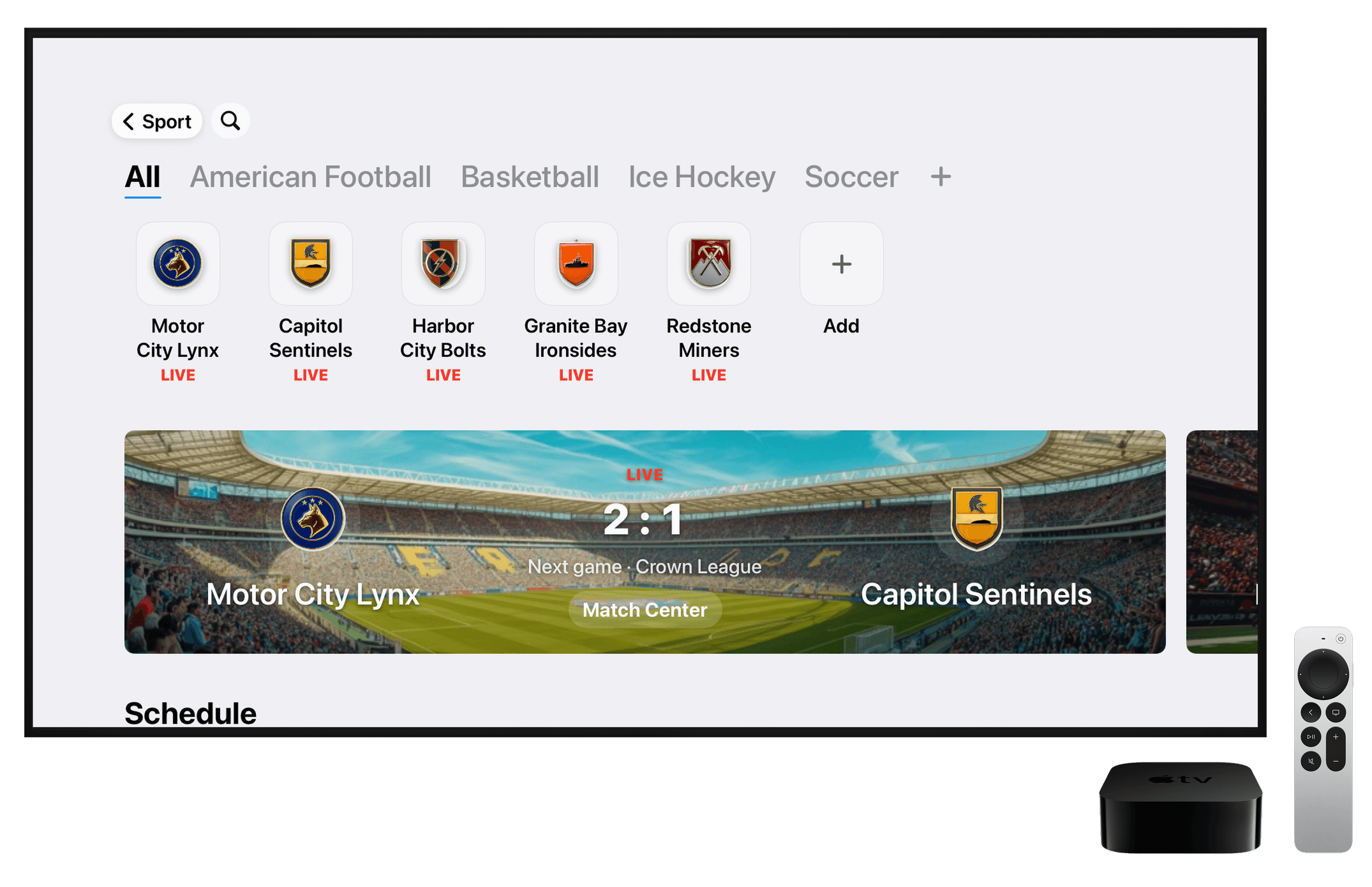
Match view with live score and your teams. Capture from a demo playlist.
 Arena Sport
 News 24
 Polar
Polar Kino 1
Illustration with pictures from the demo catalog.
450Multiview
Four channels.One screen.
Watch two to four channels at once on iPhone, iPad or Apple TV. Choose a channel from your playlist for each window.
500WebIPTV Tempo
Browse faster.Enjoy smoother playback.
WebIPTV loads guide data, artwork and sports updates in the background. Navigation stays responsive, and playback takes priority when you press play.
- Move around quickly
- Switch between channels, movies and shows without unnecessary waits.
- Use fewer resources
- WebIPTV reduces the processing needed for background tasks and adapts to your device.
- Keep information current
- Guide data, artwork and sports updates refresh regularly.
- Keep playback smooth
- When playback starts, video and audio get priority.
Time since launch
- tasks at once
- 3
- Playback
- Smooth, stutter-free playback
600Library
Your library, easy to browse.
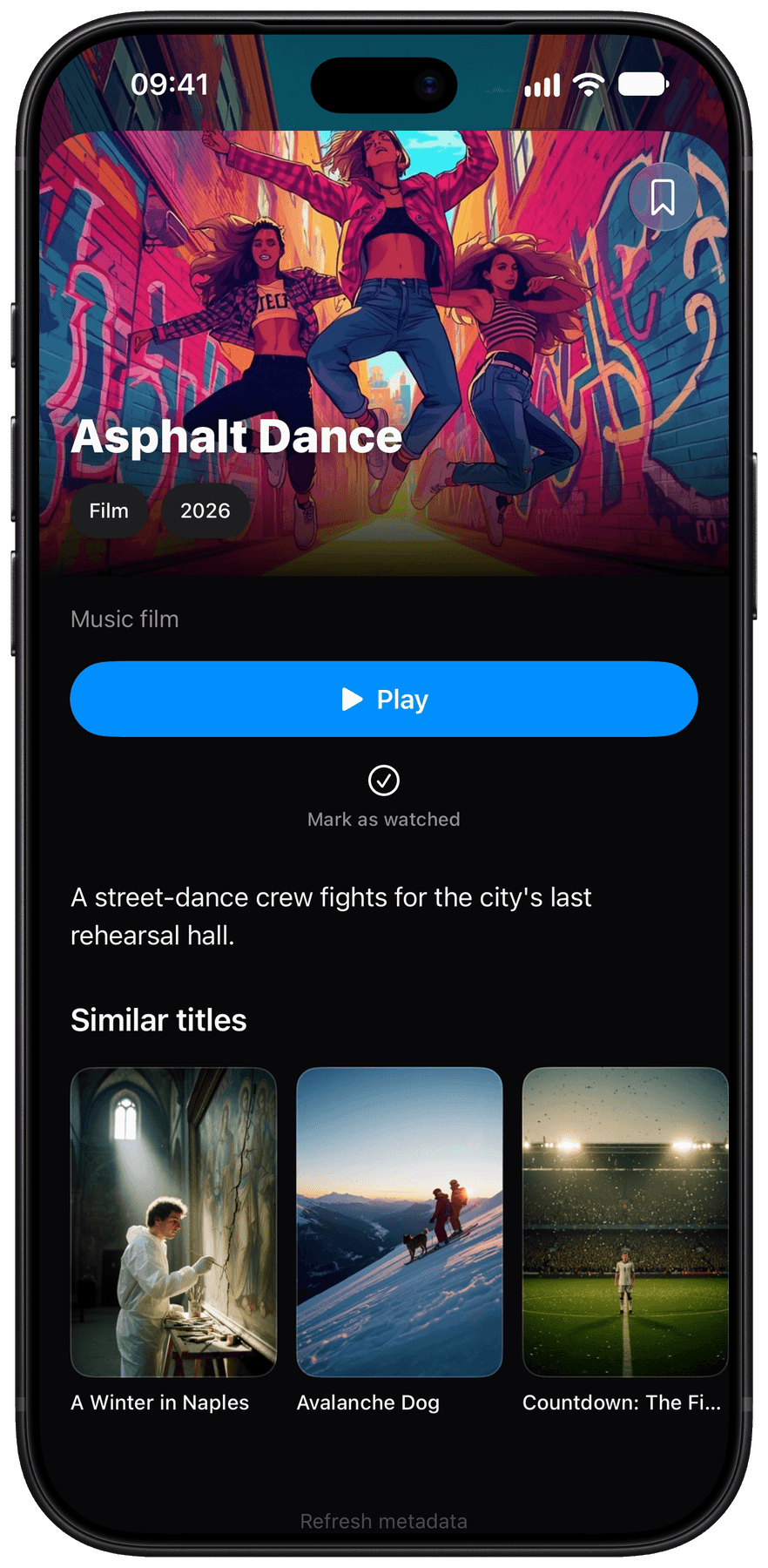
Find movies and shows with artwork, descriptions and episode stills. Continue Watching remembers where you left off across your devices.
- 601See available language versions on each title.
- 602Browse shows by season and episode.
- 603Explore cast and plot details.
- 604Keep watching in Picture in Picture while you search.
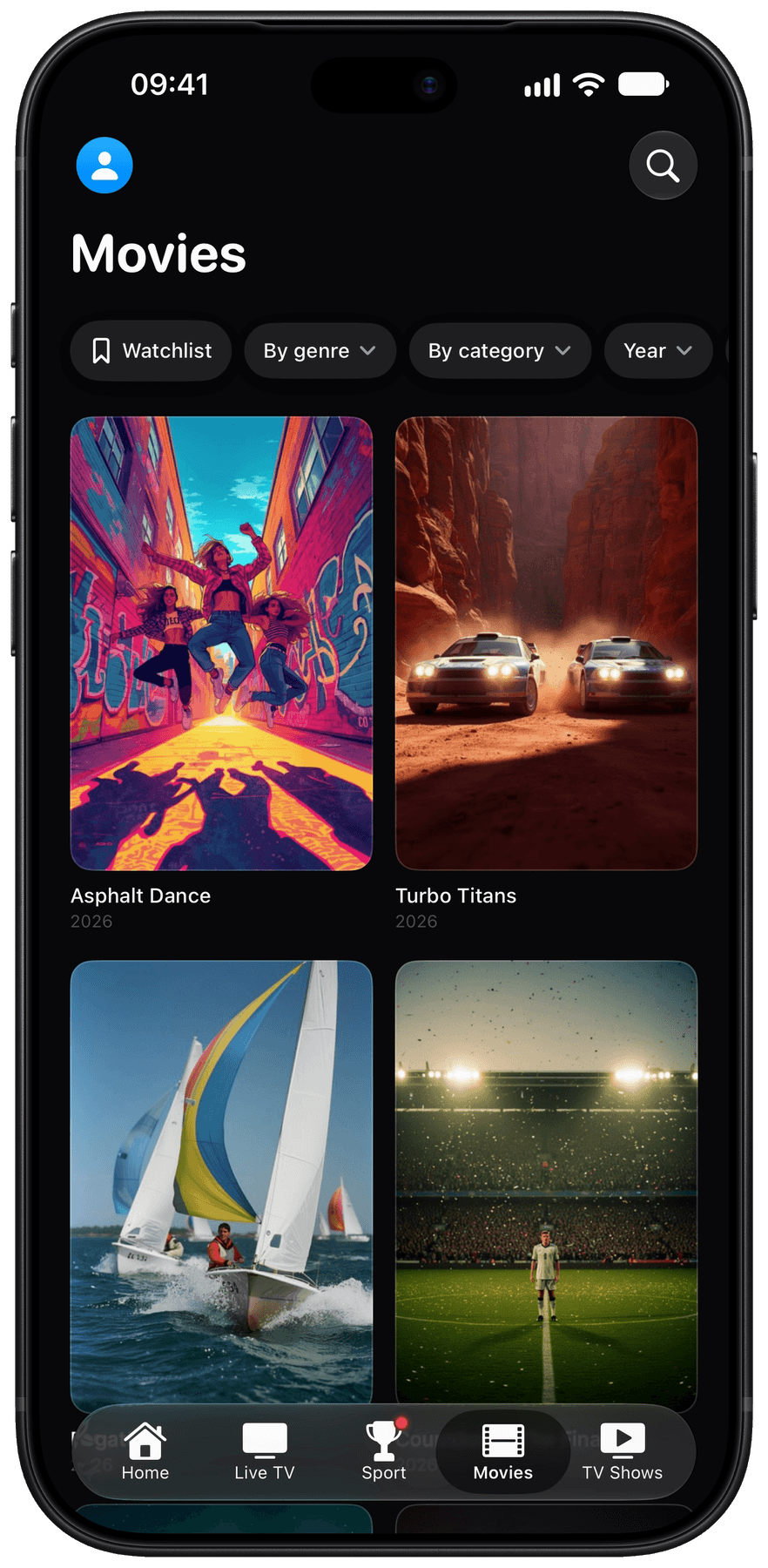
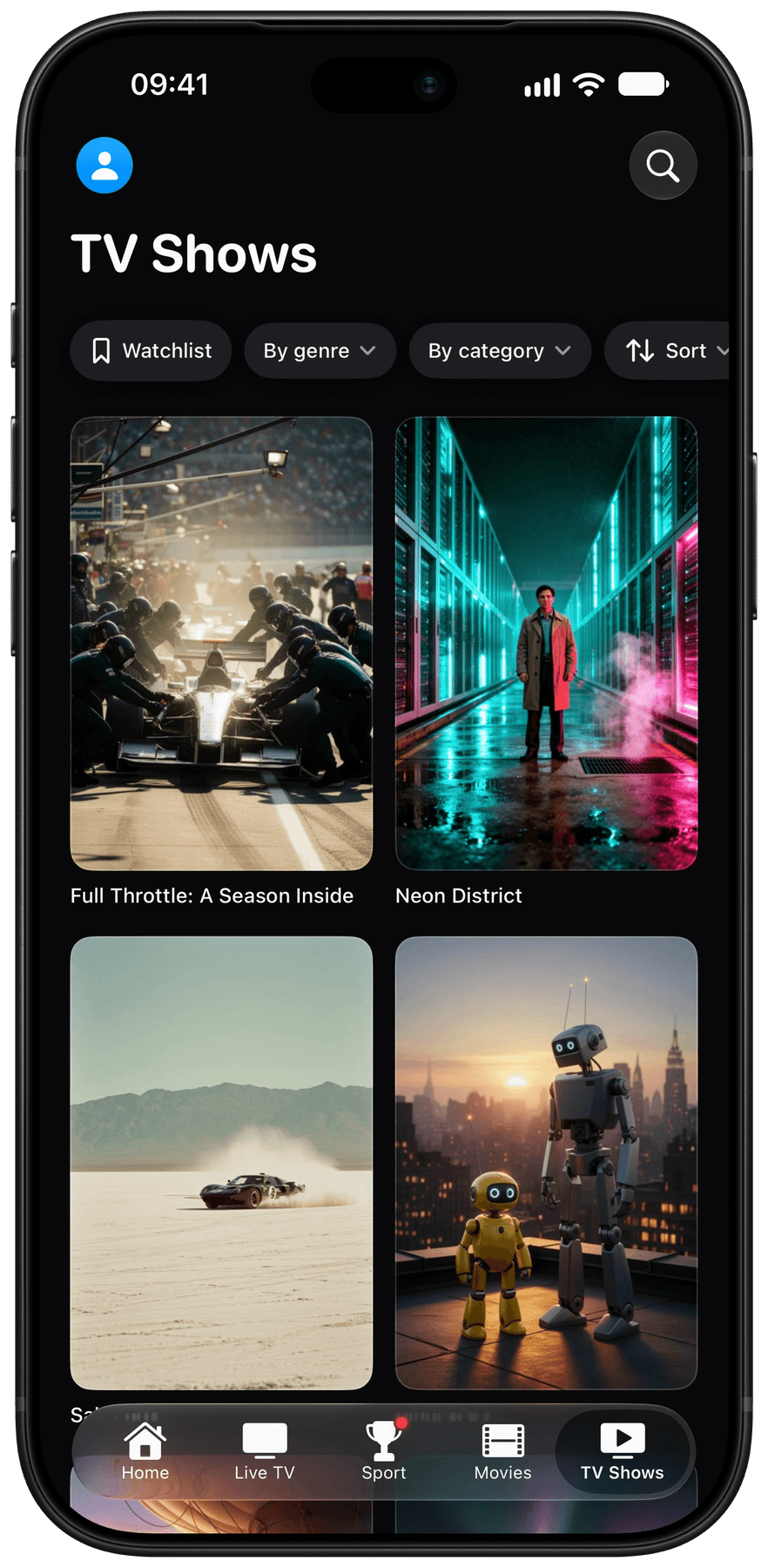
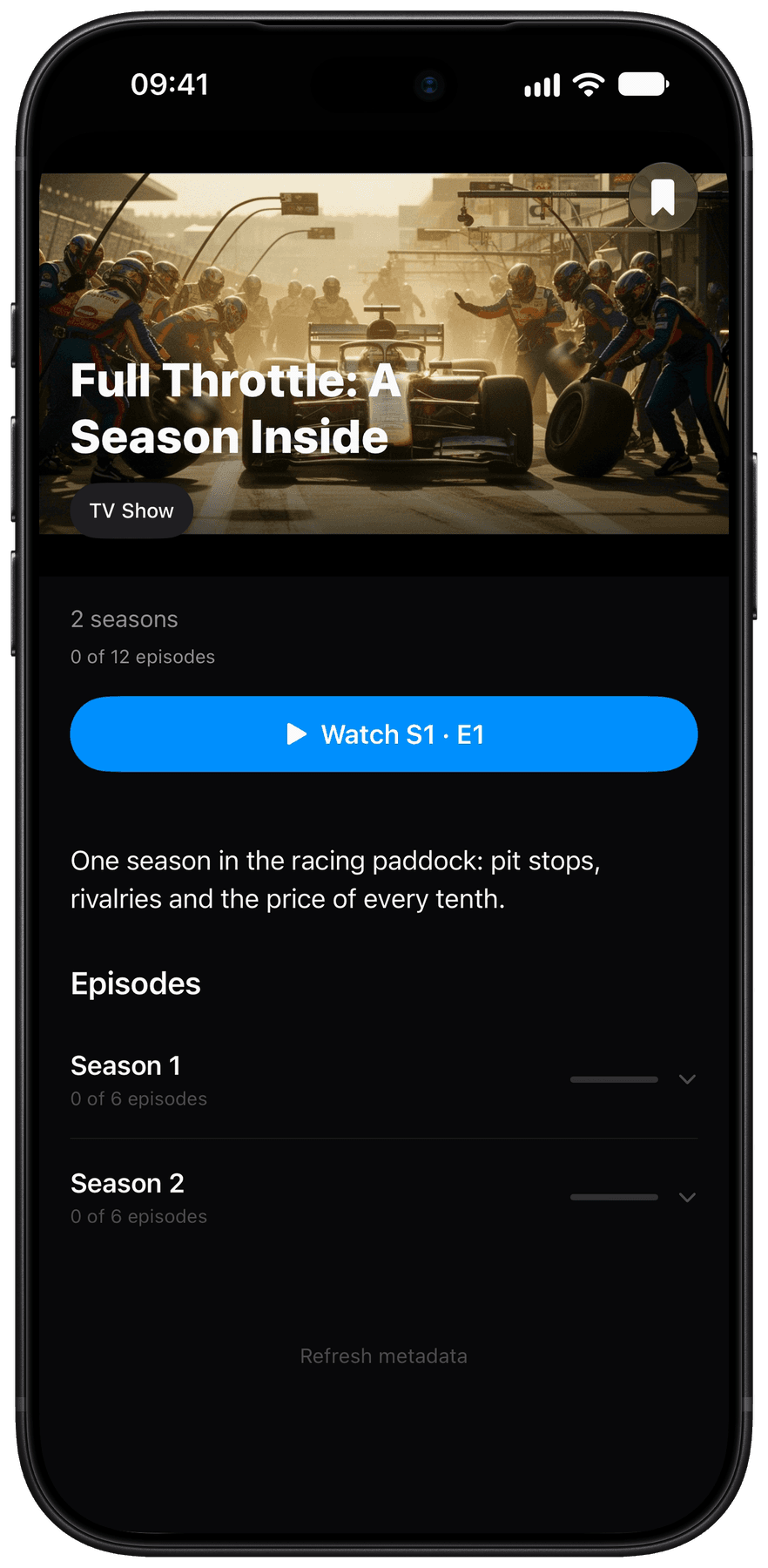
Movies, shows and episodes, organized in your library. Capture from a demo playlist.
700Devices
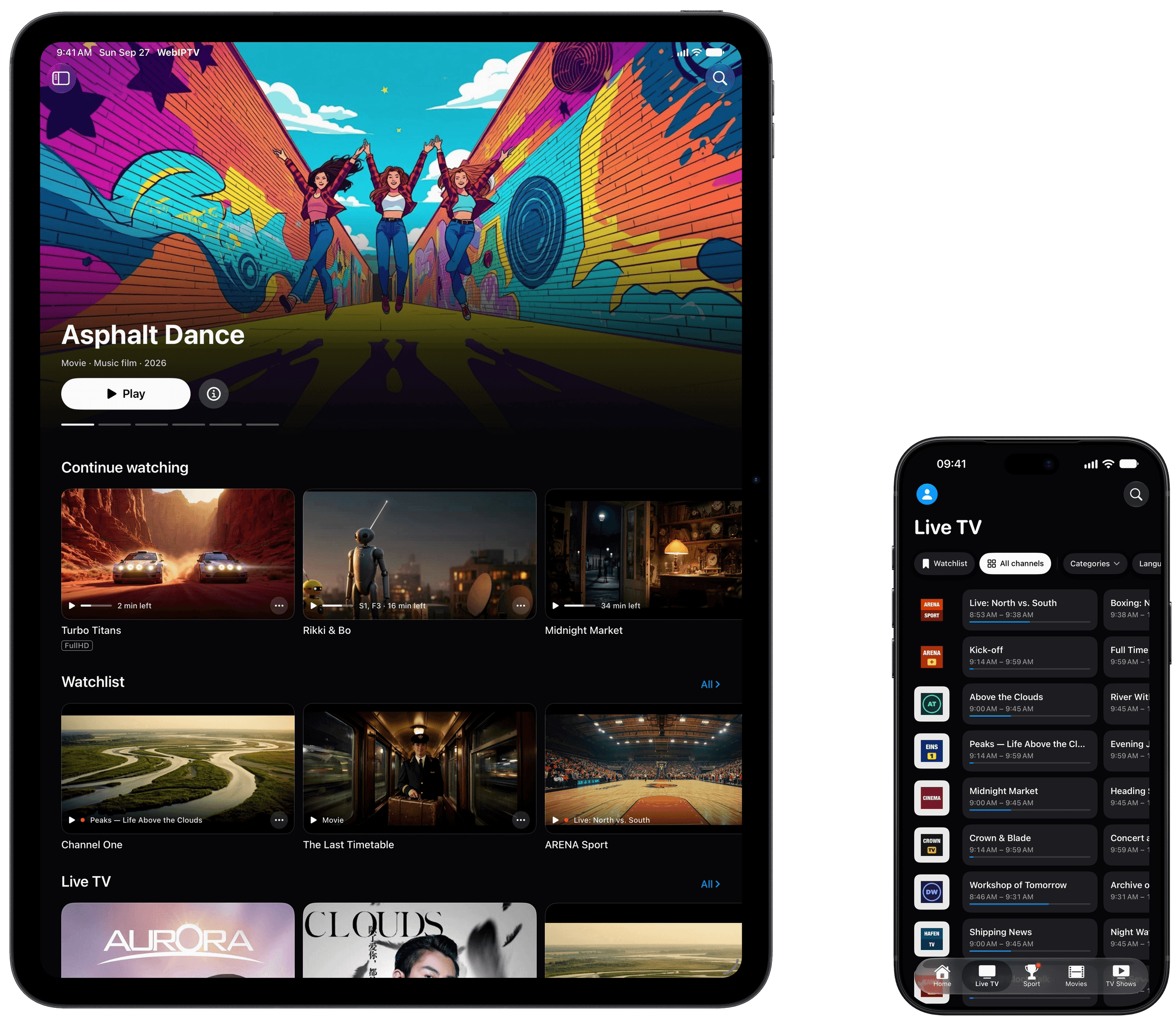
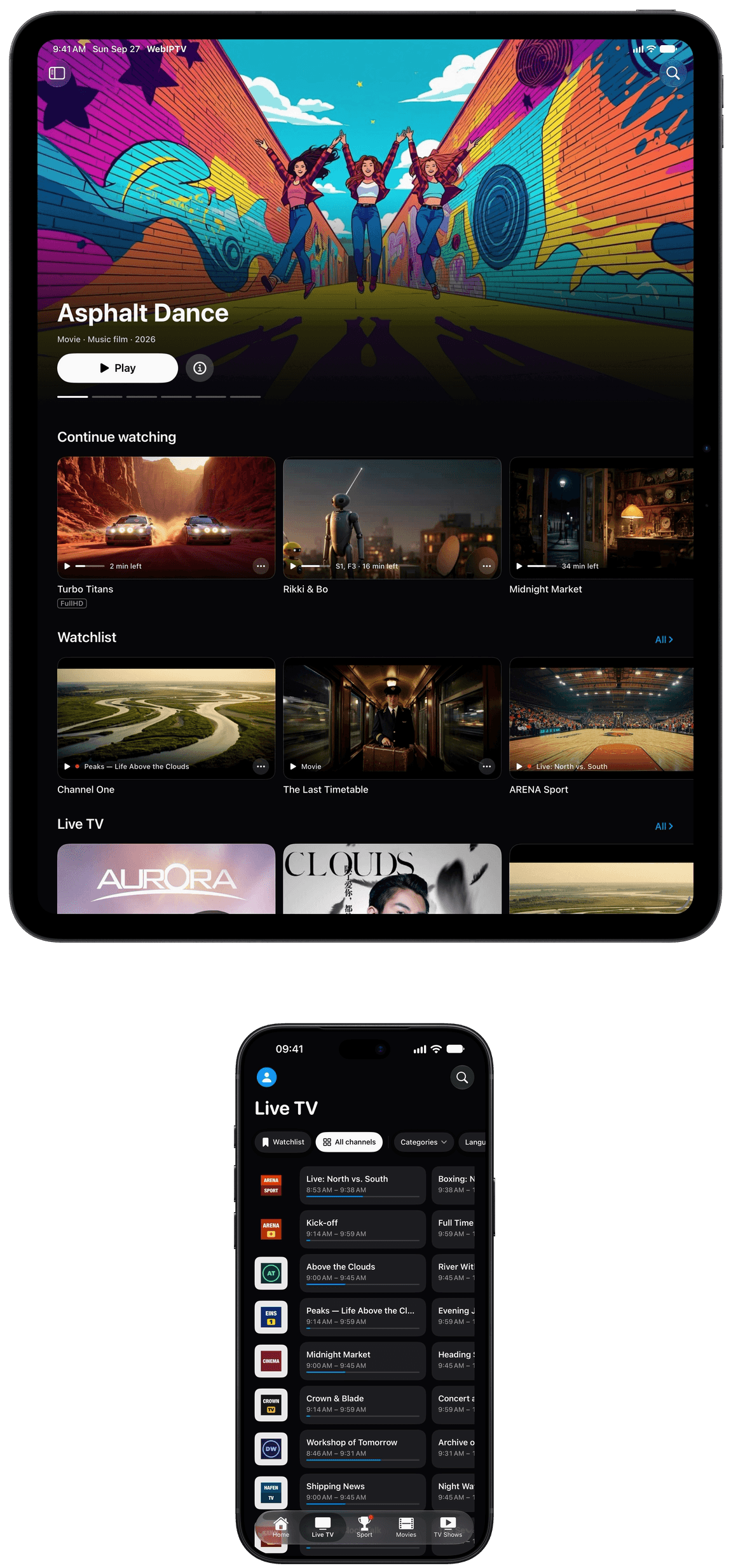
One purchase. iPhone, iPad and Apple TV.
Use WebIPTV across all three devices. Your watchlist, viewing progress and channel lists sync through your private iCloud, with no WebIPTV account.
- 701
- iPhone — Your playlist, wherever you go. With Picture in Picture and a watchlist.
- 702
- iPad — Keep the guide and playback in view. Use the sidebar and split view to see the guide and playback together.
- 703
- Apple TV — Made for the big screen. Navigate with your remote and switch channels quickly.
Ready in three steps.
- 711
Connect your access
Add your M3U link or Xtream credentials. WebIPTV fills in the right fields. Your credentials stay in your device’s keychain.
- 712
Choose what to include
Pick the categories and channels you want. Change your selection at any time.
- 713
Watch on your devices
Use WebIPTV on iPhone, iPad and Apple TV. Your watchlist, progress and channel lists sync through your private iCloud.
750Compare
More from your playlist.
Many IPTV players connect your playlist and play streams. WebIPTV adds sports, recommendations and an organized library.
| WebIPTV | Other players | |
|---|---|---|
| Finds the channel showing a match | Included | Varies by app |
| Fixtures, standings and live scores | Included | Varies by app |
| Kickoff reminders | Included | Varies by app |
| Personal recommendations | Included | Varies by app |
| Shows with seasons and episodes | Included | Varies by app |
| Syncs through iCloud | Included | Varies by app |
| One purchase for iPhone, iPad and Apple TV | Included | Varies by app |
| M3U and Xtream access | Included | Included |
| Live TV, movies and shows | Included | Included |

The comparison describes common features across IPTV players, not one specific product. Check each app’s features before switching.
Compared by name: IPTVX, UHF, Smarters and more →760Why
More than a player.
Your stream plays, and your playlist becomes easier to browse. WebIPTV adds sports, personal recommendations and an organized library.
- 761
Find where the match is on
See fixtures, standings and live scores. If one of your channels is showing the match, open it from the match view.
- 762
Your data stays with you
WebIPTV has no user account or server. Credentials stay in your device’s keychain, and syncing runs through your private iCloud.
- 763
Parental controls built in
Adult categories are excluded when your playlist is imported and cannot be enabled. Family profiles also include a protected area for children.
- 764
A library that’s easy to browse
Artwork, descriptions and episode stills make your catalog easier to search. Different versions of the same title are grouped together.
- 765
One purchase for your Apple devices
Use WebIPTV on iPhone, iPad and Apple TV with the same Apple Account, without a separate TV subscription.
800Pricing
Try it free for 7 days.
Try WebIPTV on your devices, then choose the option that works for you.
Monthly
Cancel anytime.
$1.49per month
Get it on the App StoreYearlyBest value
That’s $0.83 a month.
$9.99per year
Get it on the App StoreLifetime
Pay once and keep using WebIPTV.
$29.99one time
Get it on the App StoreIPTV access from your provider is required and is not included.
Subscriptions renew automatically until canceled in your App Store settings. Prices are in US dollars; the App Store shows your local currency.
900Help
Common questions.
901Do I need an IPTV provider?
Yes. WebIPTV is a player and does not include channels, movies or shows. You need your own access via an M3U link or Xtream credentials.
902Which devices does WebIPTV support?
iPhone, iPad and Apple TV. One purchase covers devices using the same Apple Account.
903How much does WebIPTV cost?
After the 7-day free trial, WebIPTV costs $1.49 a month, $9.99 a year or $29.99 once. Cancel subscriptions in your App Store settings.
904Can I connect more than one provider?
Yes. Add multiple M3U and Xtream sources. WebIPTV combines them in one library, which you can filter by provider.
905How does WebIPTV handle my data?
WebIPTV has no account or server. Your device stores your credentials in its keychain. Syncing runs through your private iCloud.
906Is WebIPTV suitable for children?
Adult categories are excluded when imported and cannot be enabled. Family profiles also include a protected area for children.
Need a hand?
Contact us on Discord or by email. Include your device, app version and a short description so we can understand the issue.
webiptvapp@pm.me · We usually reply within one business day.
Setup guides.
Step-by-step help for Xtream access, M3U playlists and Apple TV.
Xtream on iPhone, iPad and Apple TV
Add your server, username and password, then organize your provider’s catalog in WebIPTV.
Read the guide852Play an M3U playlist on iPhone and iPad
Connect your M3U or M3U8 link and organize channels, movies and shows in your library.
Read the guide853IPTV on Apple TV
Set up your IPTV access on Apple TV and use the TV guide, sports, watchlist and viewing progress.
Read the guideWebIPTV does not send us crash reports. We only see the details you choose to share with support.